.webp)

/All Tab - ICON.webp)
/All Wearables - ICON.webp)



Top Samsung Galaxy AI Features
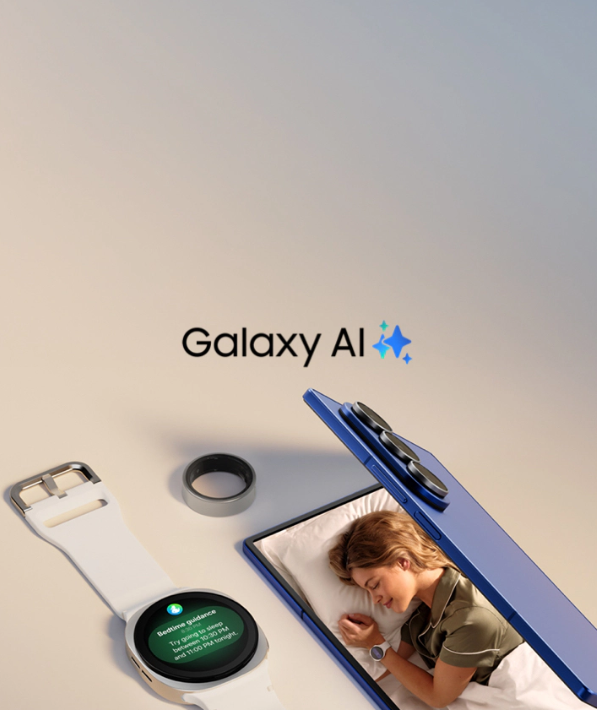
Samsung has gone all-in on artificial intelligence with Galaxy AI, and with the launch cycle of next-generation devices like the Samsung S26 and Samsung S26 Ultra, these features are becoming even more powerful, faster, and deeply integrated into everyday smartphone use.
While most Galaxy users are familiar with flashy AI tools like photo object removal or voice assistants, many of the most useful Galaxy AI features remain hidden in plain sight. These tools can dramatically boost productivity, communication, creativity, and personalization—yet many users never tap into them.
If you’re using a modern Galaxy phone—or planning to upgrade to the Samsung S26 Ultra—this guide will help you unlock the true potential of Galaxy AI.
What Is Galaxy AI?
Galaxy AI is Samsung’s proprietary AI ecosystem designed specifically for Galaxy smartphones and tablets. It blends:
- On-device AI processing - for speed and privacy
- Cloud-based intelligence - for advanced tasks
- Samsung Knox security - to protect sensitive data
On flagship devices like the Samsung S25 and upcoming S26 series, Galaxy AI is optimized to work seamlessly with the latest Snapdragon and Exynos chipsets, delivering faster responses, smarter predictions, and better battery efficiency.
Galaxy AI Enhances:
- Communication & translation
- Content creation
- Productivity & note-taking
- Web browsing & research
- Photo and video editing
- Personalization & device intelligence
Now let’s dive into the most powerful Galaxy AI features you’re likely overlooking, even if you own a top-tier device like the Samsung S26 Ultra.
Live Translate: More Than Just Phone Calls
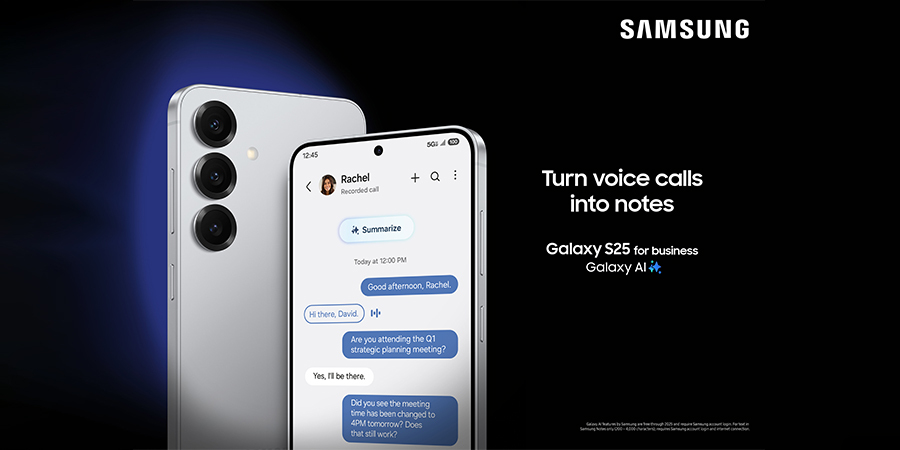 Most users know Galaxy AI can translate phone calls in real time—but that’s only scratching the surface.
What You’re Missing
Galaxy AI supports real-time translation across multiple scenarios, including:
- Face-to-face conversations
- Text messages
- Supported messaging apps
On future-ready devices like the Samsung S26, these translations are faster and more accurate thanks to improved on-device AI models.
Why You Should Use It
- Instantly translate conversations while traveling
- Communicate confidently with international clients
- Eliminate language barriers in business or hospitality
Best Use Cases
- Traveling abroad
- Global remote work
- Customer-facing roles
Chat Assist: Smarter Messaging Across Apps
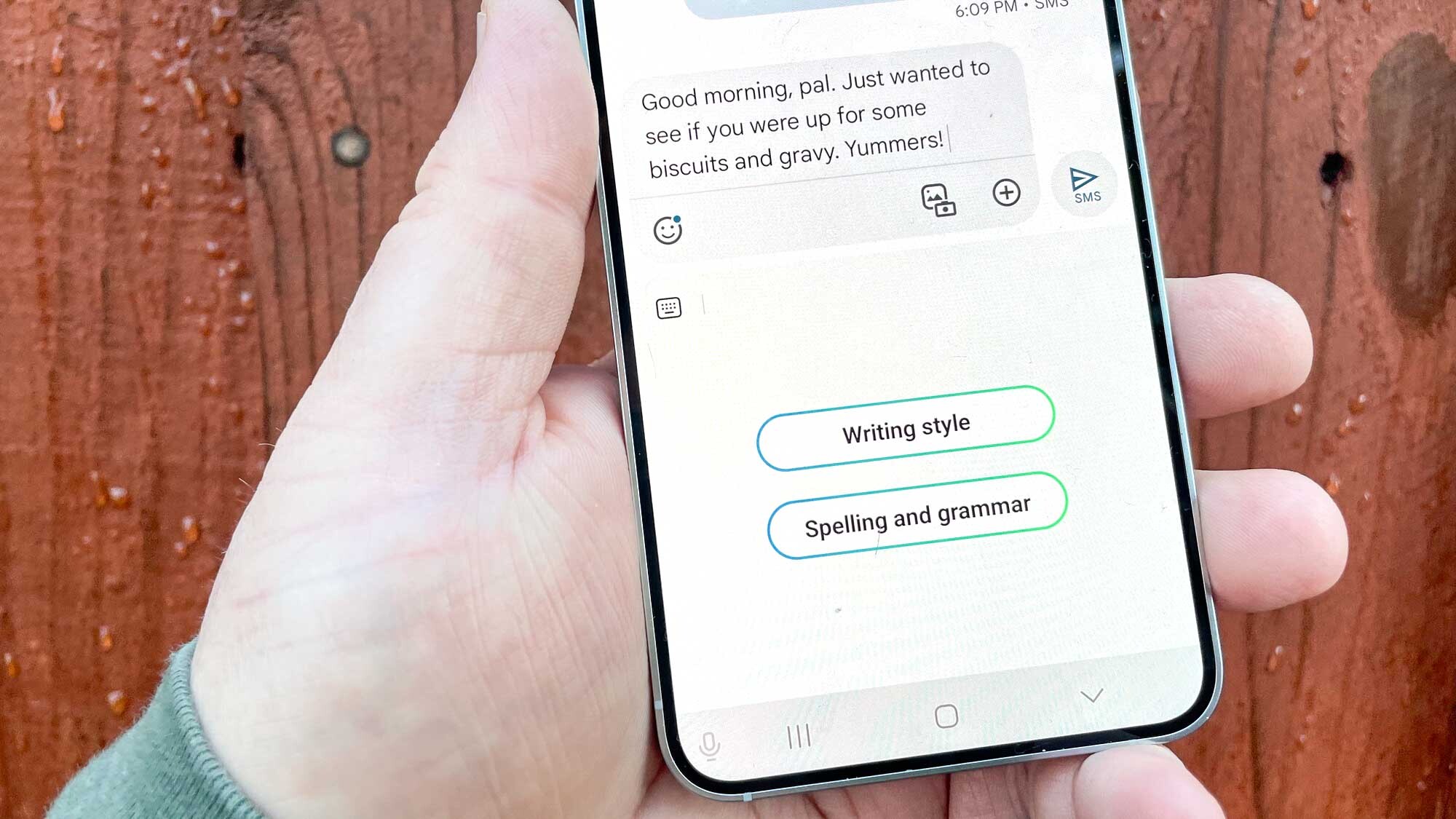 Typing the perfect message manually is becoming unnecessary—especially with Galaxy AI’s Chat Assist.
What Chat Assist Can Do
- Rewrite messages in different tones (professional, casual, polite)
- Fix grammar and spelling instantly
- Shorten or expand text based on context
On the Samsung S26 Ultra, Chat Assist integrates deeply into the Samsung Keyboard, making AI-assisted writing feel completely natural.
Why It’s So Powerful
You no longer need to copy text into third-party apps. Everything happens in real time, directly inside your messaging or email apps.
Ideal For
- Work emails
- Business chats
- Customer support
- Social media replies
Note Assist: Turn Chaos Into Clean, Shareable Notes
If you use Samsung Notes, this Galaxy AI feature alone can change how you work or study.
Key Capabilities
- Auto-summarize long notes
- Convert text into structured bullet points
- Generate titles automatically
- Translate notes instantly
With the Samsung S26 and S26 Ultra, Note Assist feels more like a personal secretary than a simple note app.
Why Most Users Ignore It
The AI tools are tucked inside menus that many users never explore—but once discovered, they’re impossible to live without.
Why You Should Care
Perfect for:
- Students
- Professionals
- Meeting notes
- Research summaries
Browsing Assist: AI-Powered Web Summaries
Reading long articles just to find one key detail? Galaxy AI solves that.
How Browsing Assist Works
Galaxy AI can:
- Summarize long web pages
- Translate content instantly
- Highlight key takeaways
On large, high-resolution displays like the Samsung S26 Ultra, this feature turns your phone into a serious research tool.
Who Benefits Most
- Students
- Researchers
- SEO professionals
- Business decision-makers
Generative Edit: Professional Photo Editing Without the Learning Curve
Most Galaxy users edit photos—but few use AI-powered Generative Edit to its full potential.
What It Can Do
- Remove unwanted objects
- Expand backgrounds naturally
- Reposition subjects intelligently
- Fill missing areas with AI-generated content
Thanks to enhanced processing on the Samsung S26 Ultra, Generative Edit delivers cleaner, more realistic results than ever before.
Perfect For
- Content creators
- Social media users
- Online sellers
- Travel photography
Circle to Search: The Fastest Way to Look Anything Up
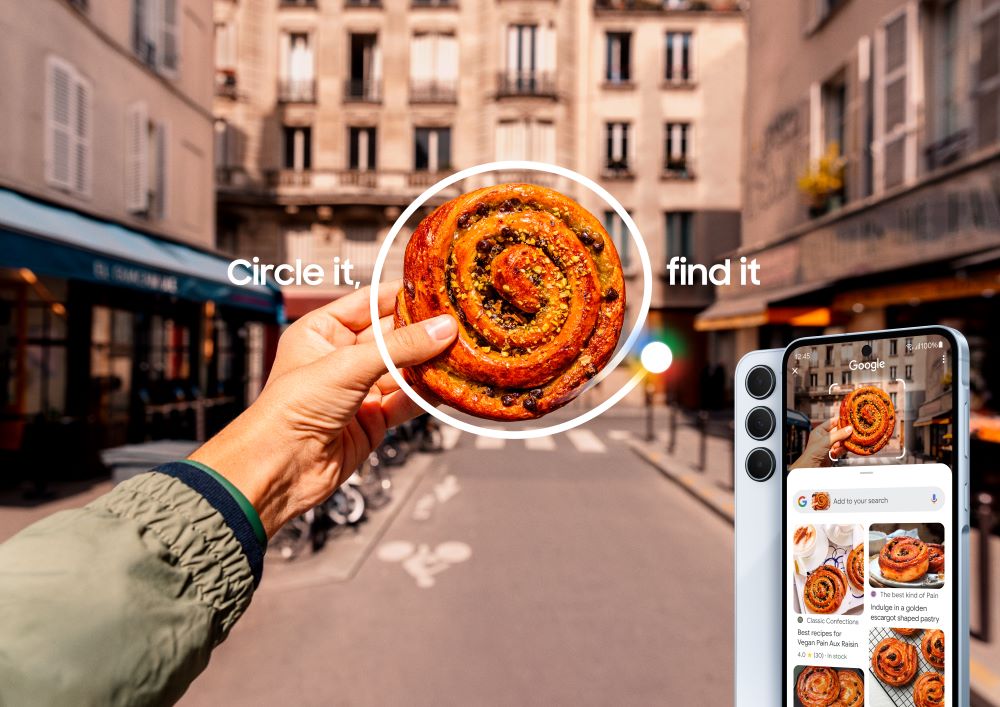 This is one of the simplest yet most underrated Galaxy AI features.
How It Works
Just circle anything on your screen—text, images, or objects—and Galaxy AI instantly searches for it without switching apps.
Why It’s a Must-Use Feature
- Instant product searches
- Quick fact-checking
- Visual research made easy
Everyday Use Cases
- Online shopping
- Identifying landmarks
- Finding product reviews
Transcript Assist: From Voice to Text in Seconds
If you record audio on your phone, this feature is gold.
What Transcript Assist Offers
- Automatic voice-to-text transcription
- Speaker identification
- Summaries of long recordings
- Easy export and sharing
On productivity-focused devices like the Samsung S26, this feature is especially valuable for work and education.
Best For
- Journalists
- Students
- Business professionals
- Podcasters
AI-Powered Wallpaper & Lock Screen Personalization

Galaxy AI doesn’t just improve productivity—it also makes your phone feel more personal.
What It Does
- Suggests wallpapers based on usage patterns
- Creates AI-generated visuals
- Adapts lock screen content dynamically
The immersive display of the Samsung S26 Ultra makes these AI-generated visuals truly shine.
Privacy-First AI: A Major Advantage of Galaxy AI
This isn’t a feature you actively use—but it’s one you benefit from every day.
Why Galaxy AI Stands Out
- Many tasks run on-device, not in the cloud
- Sensitive data stays on your phone
- Backed by Samsung Knox security
For users concerned about privacy, especially on flagship models like the Samsung S26, this is a huge win.
How to Enable Galaxy AI Features
Most Galaxy AI tools are:
- Enabled by default on supported devices
- Found in Settings → Advanced Features → Galaxy AI
- Integrated into apps like Samsung Notes, Phone, Keyboard, and Gallery
Make sure your Samsung S26 or Samsung S26 Ultra is running the latest One UI version to access all available AI features.
Final Thoughts: Are You Really Using Galaxy AI to Its Full Potential?
Galaxy AI isn’t just marketing hype—it’s a deeply practical toolkit that transforms how you use your smartphone. On powerful devices like the Samsung S26 and Samsung S26 Ultra, these AI features feel less like add-ons and more like essential tools.
If you’ve only used basic AI photo edits or voice commands, you’re missing out. By exploring these underutilized Galaxy AI features, you can turn your Galaxy phone into a smarter, faster, and more intuitive digital companion—one that genuinely works for you